September 2026
In the last month, Sensible released an XML postprocessor for outputting extracted data as an XML string, added To Lower and To Upper string operators for JsonLogic, introduced malware scanning for document uploads, and made UX improvements.
New feature: XML postprocessor
Sensible released a new XML postprocessor in addition to the existing JSON postprocessor. You can now use a JsonLogic rule to define an XML output schema and output extracted document data as an XML string. For example, use this postprocessor to pass extraction results directly into a system that consumes XML. The output is available in the postprocessorOutput field of the API response. For more information, see XML postprocessor.
New feature: String operators for JsonLogic
In addition to the existing JsonLogic operators, Sensible released two new string operators:
- The To Lower operator converts a string value to lowercase.
- The To Upper operator converts a string value to uppercase.
Use these to normalize string case for case-insensitive comparisons in your config. For more information, see To Lower and To Upper.
New feature: Malware scanning for document uploads
Sensible released malware scanning for document uploads. When enabled for your account, Sensible scans each uploaded document before processing it. Documents that fail the scan return an error and trigger your configured webhook. For more information, contact Sensible.
UX improvement: Configure clean PDF views in SenseML editor
For complex queries or documents, you can now reduce visual noise in the SenseML editor with new options for viewing lines in a rendered example PDF:
- To hide Sensible's visual overlays showing lines on an example PDF, click the new Options dropdown in the middle pane of the SenseML editor, then select Hide bounding boxes.
- To remove highlighting from discarded lines, click the Options dropdown and click Hide unextracted lines. Discarded lines are lines that match some but not all of your query parameters. Sensible filters out these lines from your extracted data output, and by default highlights them with dotted blue boxes on the rendered PDF in the SenseML editor. For example, in the following screenshot, the dotted blue borders show lines that match the Row method, but that Sensible discards because the
tiebreakerspecifies to extract the second-from-last cell in the row:
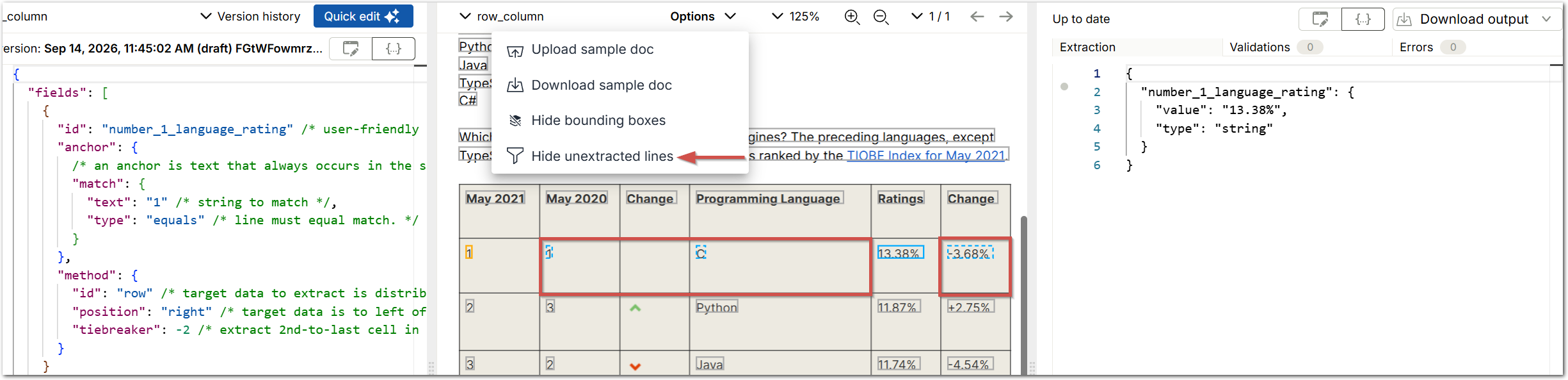
After you specify to hide the lines, the dotted blue boxes disappear:

Click Show unextracted lines to highlight the discarded lines again.
UX improvement: extraction view
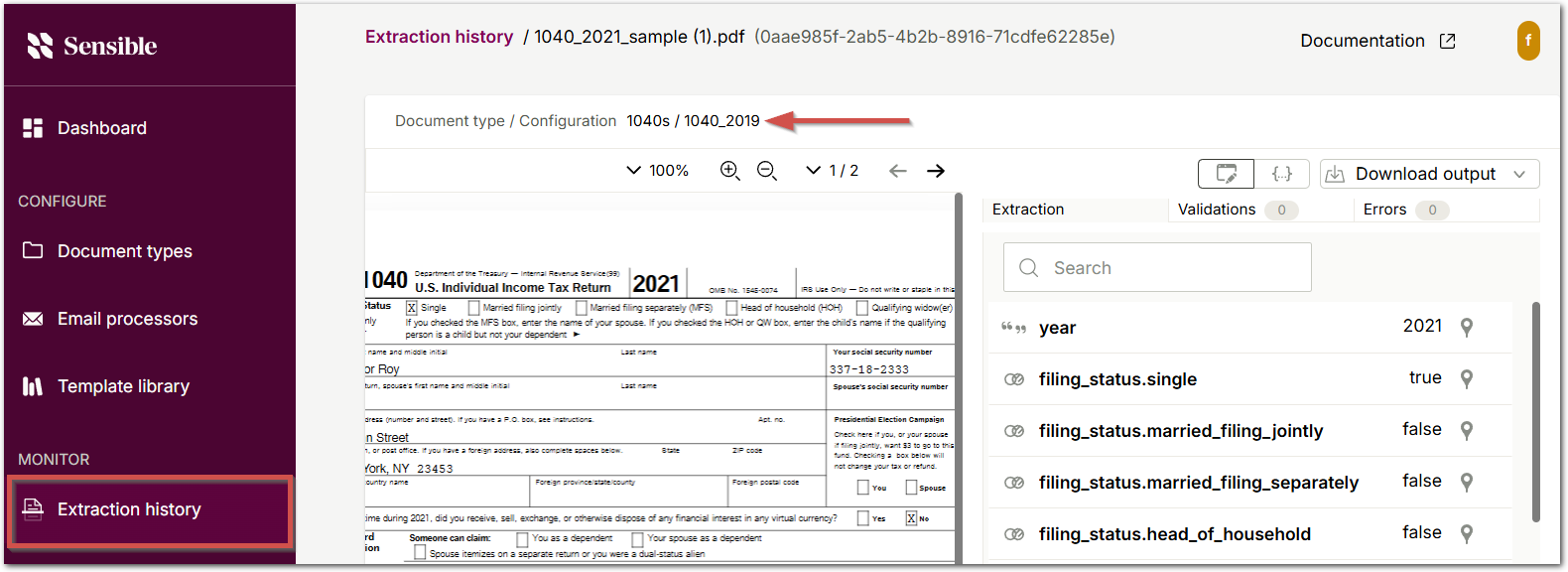
When you click individual extractions on the Extractions tab, each extraction now displays the document type and config for each extraction as document type / config: